It's 9 AM on a Tuesday. You need to post on LinkedIn. You stare at a blank screen.
You scroll through your feed looking for inspiration. 20 minutes later, you've read 14 posts about AI, watched 3 videos about productivity, and still haven't written anything.
You finally force out a mediocre post at 9:47 AM. You'll do this again tomorrow.
There's a better way.
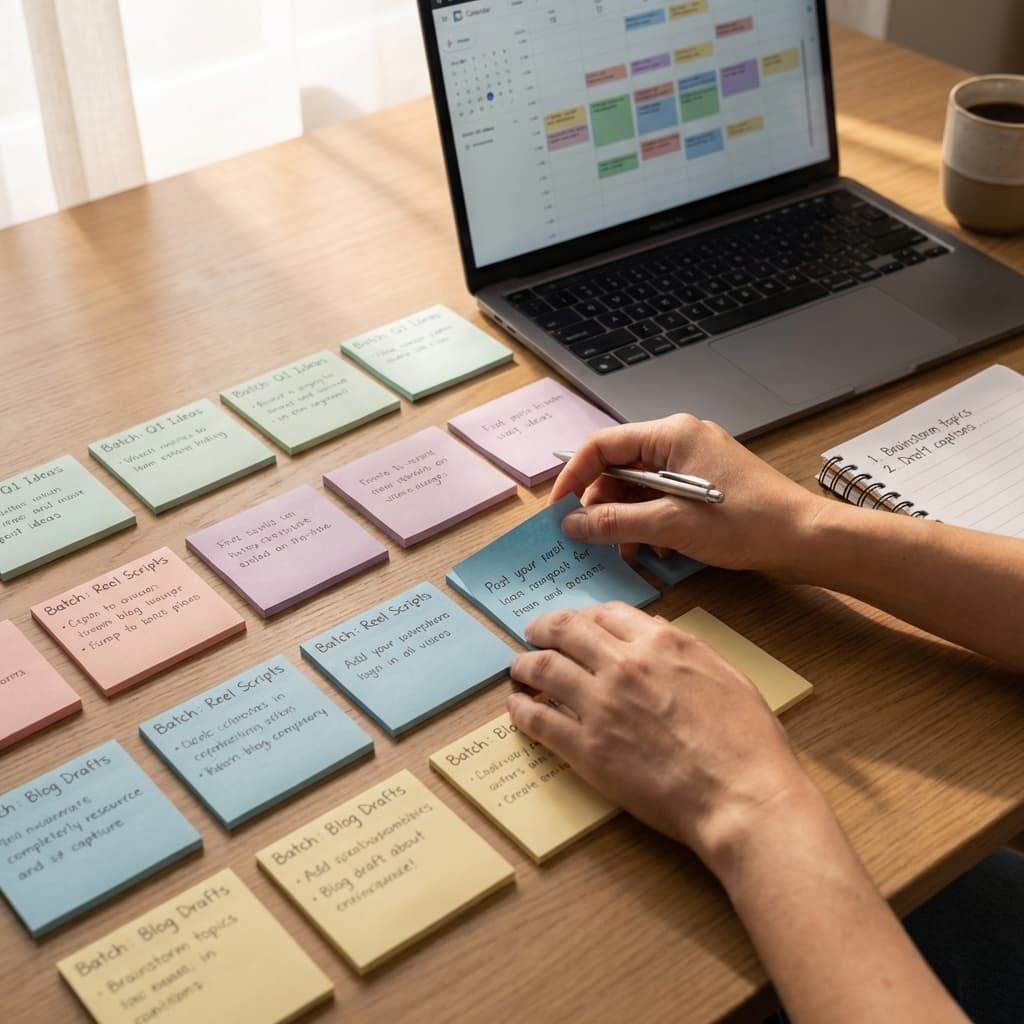
What if you spent 2 hours on Sunday creating 30 posts? Then you never had to think about "what to post today" for an entire month?
That's batching. And once you learn the system, you'll never go back to daily scrambling.
Why Batching Works (And Why You Resist It)
Your brain thinks: "I need fresh, timely content. I can't write 30 posts in advance."
Reality: Most of your posts aren't timely. They're evergreen insights, frameworks, lessons learned, or opinions that are just as relevant today as they'll be in 3 weeks.
The real reason you resist batching: It feels less spontaneous. Less authentic.
But here's the truth: batching doesn't kill creativity—context-switching does.
When you sit down to write 1 post, you spend:
- 5 minutes procrastinating
- 10 minutes finding inspiration
- 5 minutes getting into "writing mode"
- 10 minutes actually writing
- 5 minutes second-guessing yourself
Total time: 35 minutes for 1 post.
When you batch 10 posts:
- 5 minutes procrastinating (same)
- 10 minutes finding inspiration (same)
- 5 minutes getting into "writing mode" (same)
- 90 minutes writing 10 posts straight
Total time: 110 minutes for 10 posts = 11 minutes per post.
You just tripled your efficiency. Not because you got faster at writing—because you eliminated the startup cost.
The 2-Hour Batching Sprint (Step-by-Step)
Here's the exact system I use to create 30 days of content in one session.
Step 1: The Brain Dump (20 minutes)
Set a timer for 20 minutes. Open a blank document. Write down every single idea you could possibly post about.
Don't filter. Don't judge. Just dump.
Prompts to get you started:
- What questions do people always ask you?
- What mistakes do you see beginners make?
- What tool or workflow changed your work?
- What common advice do you disagree with?
- What did you learn the hard way this year?
- What do you wish someone told you 5 years ago?
Goal: 50+ raw ideas. Most will be bad. That's fine.
Pro tip: If you're stuck, use Claude or ChatGPT. Prompt: "I'm a [your role] who posts about [your topics]. Generate 50 content ideas that would resonate with [your audience]."
Step 2: The Filter (10 minutes)
Now you have 50 ideas. You need 30.
Go through your list and delete anything that:
- Requires heavy research
- Is time-sensitive (news, trends)
- Feels forced or inauthentic
What to keep:
- Opinions you genuinely have
- Frameworks you actually use
- Stories from your own experience
- Contrarian takes you can defend
Mark your top 30. Move them to a new list.
Step 3: The Template (10 minutes)
Most creators waste time reinventing structure for every post. Don't.
Pick 2-3 templates and rotate them.
Template 1: The Mistake Post
- I used to believe [X]
- Then [thing happened]
- Now I know [Y]
- Here's what changed
Template 2: The Framework Post
- Most people [do X wrong]
- Here's a better way: [3-step framework]
- Why it works
- Try this next time
Template 3: The Contrarian Post
- Everyone says [common advice]
- But here's why that's wrong
- What you should do instead
- Example of this working
Choose one template per idea. This cuts decision fatigue by 80%.
Step 4: The Writing Sprint (60 minutes)
Set a timer for 60 minutes. No editing. No perfecting. Just write.
For each of your 30 ideas:
- Write the hook (1-2 sentences)
- Fill in the template
- Add a simple CTA ("What's your take?" or "Try this and let me know")
Target: 2 minutes per post. You'll finish 30 posts in 60 minutes.
They won't be perfect. That's okay. You'll polish them later.
Rules for the sprint:
- No deleting. If you don't like something, leave it and move on.
- No research. If you need a stat, write [STAT ABOUT X] and find it later.
- No social media. Close all tabs. Turn off notifications.
Step 5: The Polish (20 minutes)
Now you have 30 rough drafts. Time to make them publishable.
Go back through and:
- Fix typos
- Add line breaks for readability
- Make sure each post has a clear hook
- Check that the CTA isn't repetitive across all posts
Don't obsess. You're not polishing gems—you're making rough drafts "good enough to ship."
Rule: Spend no more than 30 seconds per post. If it needs more, skip it and come back tomorrow with fresh eyes.
How to Schedule Your 30 Posts (10 minutes)
You have 30 posts. Now what?
Option 1: Use a scheduling tool
- Copy-paste into Broadr (or Buffer, Hootsuite, etc.)
- Schedule 1 post per day at your optimal time
- Done. You're free for a month.
Option 2: Use a "holding pen" system
- Save all 30 posts in a Google Doc or Notion database
- Each morning, grab the next post and schedule it for that day
- Gives you flexibility to swap in timely content if needed
I prefer Option 1. The whole point of batching is to not think about content daily.
The Editing Trap (And How to Avoid It)
Here's where most people fail at batching:
They write 30 posts, then spend 3 hours editing them into perfection.
Don't.
Your posts don't need to be perfect. They need to be published.
A "B+ post" published today beats an "A+ post" you never ship.
The 80/20 rule for editing:
- Spend 20% of your time writing
- Spend 0% of your time editing
- Spend 80% of your time engaging with comments and building relationships
Your breakthrough post won't be the one you obsessed over. It'll be the one that hit the right person at the right time.
What About "Staying Relevant"?
You: "But what if something timely happens and my scheduled posts aren't relevant?"
Me: Then override the schedule.
Batching doesn't lock you in. It just gives you a safety net.
If breaking news drops in your industry, pause your queue and post about it. Then resume your schedule tomorrow.
The goal isn't to never post spontaneously. It's to never have to scramble when you're busy.
How Broadr Makes This Easier
You can batch content with any tool (even a spreadsheet).
But if you're doing this every week, the friction adds up.
We built Broadr to make batching frictionless:
- Keyboard shortcuts so you're not clicking through 5 menus per post
- Duplicate posts to reuse templates without copy-pasting
- Multi-platform scheduling so you batch once and post everywhere
- Claude AI integration to expand ideas when you're stuck
If you're batching 30 posts across LinkedIn, X, and Threads, you'll save an hour just by not switching between tools.
The Compound Effect
The first time you batch, it'll take 3 hours instead of 2. You'll feel clunky. You'll second-guess yourself.
That's normal.
But by month 3, you'll have a library of templates, a list of evergreen topics, and muscle memory for the process.
And instead of spending 30 minutes every morning scrambling for ideas, you'll spend 2 hours once a month in deep creative work.
That's not just more efficient. That's sustainable.
Most creators quit because daily content feels like a treadmill. Batching turns it into a monthly sprint.
Try it this Sunday. Set a timer for 2 hours. See how many posts you create.
You might surprise yourself.